
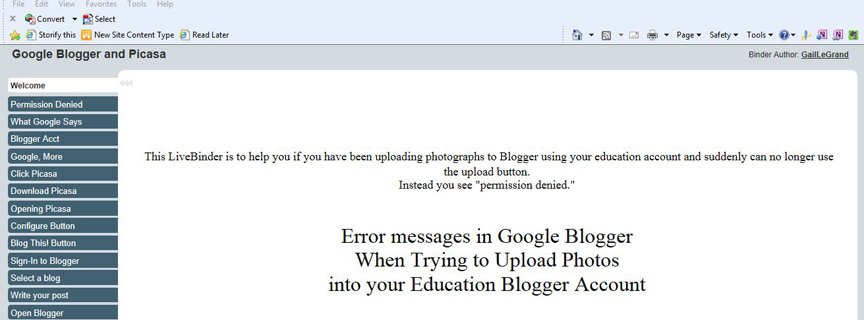
Today I created a LiveBinder about what to do if you suddenly find you can no longer upload photos into your Google Education Blogger account because you receive the message: Upload failed: Permission denied. Follow this link to the LiveBinder if you would like to see how I solved that problem by using Picasa.
While I was in LiveBinders I noticed a cool new feature that I really like—the Side View! I particularly like it for the binder I did this morning because the side view works well for the step-by-step procedure I presented there as a solution to a problem. It seems as though you have to be signed-in to use this view so I could not send you the link with the side view as a choice. I’m including some photos below though. You can use the side view by signing into LiveBinders and then Choosing Play – Tabs Side. If you are not already using LiveBinders, you can read about about it in a post I did back in July.
Live Binders is continuing to make life easier for people working in K12. Thanks so much!



 wild for web 2.0